

Styling Form#
Form requires special styling, we wish to give the user feedback as whether they are in the input field or not. The field shows what should be filled in, then when the cursor sits in the field the information moves out of the way, so the user still has the original hint on display.
Create a new styling file form.css place it in the static/css folder:
html .form__input {
   width: clamp(120px, 20vw, 420px); /* min, preferred val max */
   height: 2.5rem;
   padding: 0 1.25rem;
   border: 1px solid #303030;
   border-radius: 5px; /* 2px */
   margin: 0.625rem auto;
   transition: all 250ms;
}

html .form__input:focus {
   outline: none;
   border-top-color: rgba(0, 0, 0, 0.1);
}

html .form__input:focus + .form__label, html .form__input:not(:placeholder-shown) + .form__label {
   transform: translateY(-4.5rem) scale(1);
   color: #303030;
}

html .form__input::placeholder {
   display: none;
   color: transparent;
   -webkit-user-select: none;
   /* Safari */
   -ms-user-select: none;
   /* IE 10 and IE 11 */
   user-select: none;
   /* Standard syntax */
}

html .form__input:not(:placeholder-shown) {
   border-top-color: rgba(0, 0, 0, 0.5);
}

html .form__label {
   font-size: 1rem;
   color: #909090;
   display: block;
   /* Moves the label on TOP of the placeholder */
   /* You'll need to change this as needed */
   transform: translate(1.25rem, -2.5rem);
   transform-origin: 0 0;
   /* Used later for transitions */
   transition: all 500ms;
   -webkit-user-select: none;
   /* Safari */
   -ms-user-select: none;
   /* IE 10 and IE 11 */
   user-select: none;
   /* Standard syntax */
   /* THIS PART IS IMPORTANT! */
   /* This line prevents the label from being selected.*/
   /* This is crucial because if this line doesn't exist, users can
      click on the label, instead of the input field. That's bad UX! */
   pointer-events: none;
}
Both account.html and quiz.html need to link to form.css insert in the top part of the <body>:
<link href="{{url_for('static', filename='css/form.css')}}" rel="stylesheet" />
Just after the <input type="text"... put the following <label> for account.html:
<label for="name" class="form__label">Your Quiz Name</label>
and for quiz.html:
<label for="name" class="form__label">Your Answer</label>
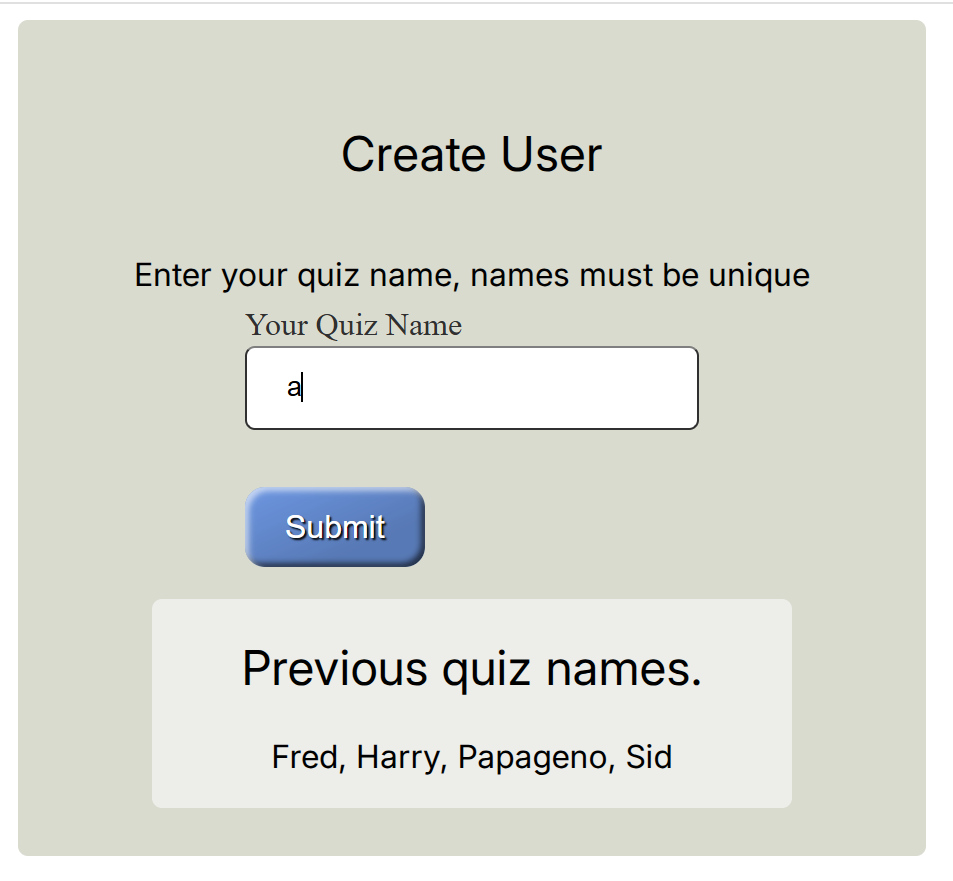
As the inputs are on the left hand border, and the writing is placed centrally it is time to tackle the styling. Put all the html information, output and forms into a coloured container, with sub-components in a separate less wide card container in a different colour. Add the following to all.css:
html body .container {
   width: 100%;
   max-width: 390px; /* 450 768 */
   display: flex;
   flex-direction: column;
   justify-content: center;
   align-items: center;
   padding: 2rem 2rem 1.5rem;
   background-color: #d8dbce;
   border-radius: 5px;
   margin: 0 auto;
   margin-top: 0.5rem;
}

html body .container .card {
   width: 100%;
   max-width: 20rem; /* 365px */
   margin-top: 1rem;
   text-align: center;
   background-color: #edeee9;
   border-radius: 5px;
}
While we are at it add three positional styles:
.static {
   position: static;
   padding-top: 20px;
   text-align: center;
}

.center {
   text-align: center;
}

.bottom {
   text-align: center;
   position: fixed;
   bottom: 5px;
   left: 0%;
   right: 0%;
}
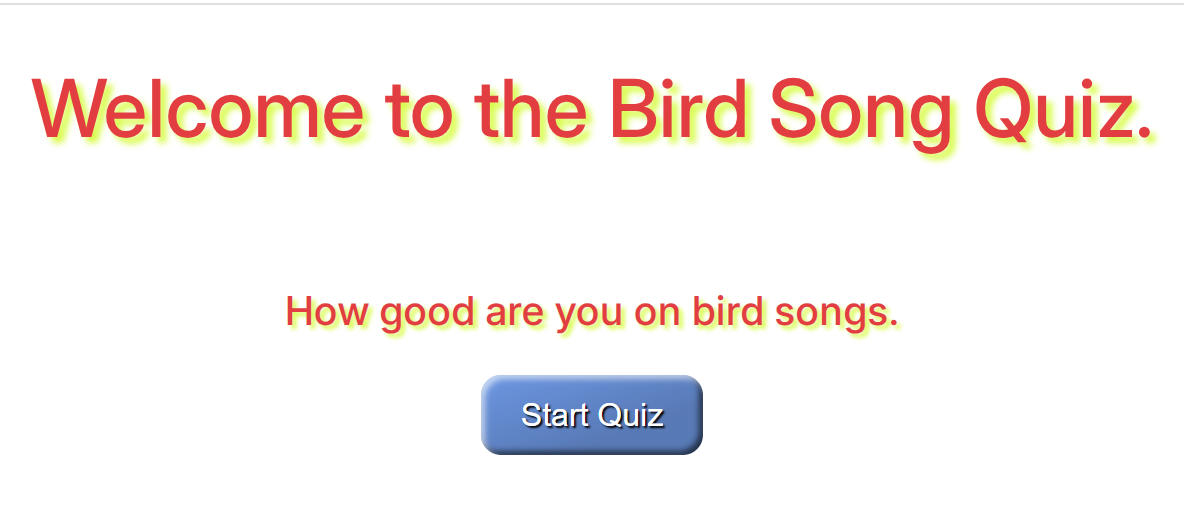
Starting with index.html ensure that the styling changes will be enacted. Make certain that the blue button is inside a div tag with the class attribute center:
<div class="center">
   <a href="{{ url_for('account') }}">
      <button class="button blue">Start Quiz</button>
   </a>
</div>
Remove <hr> it seems superfluous.
Now for account.html, place all the heading and form within a container, to set off the previous quiz names inside card, the container comes just after the <body> tag and link to the form.css:
...
<body>
   <link href="{{url_for('static', filename='css/form.css')}}" rel="stylesheet" />
   <div class="container">
      <h2>Create User</h2>
   ...
Place the card div just before the heading for previous quiz names:
...
<div class="card">
   <h2> Previous quiz names. </h2>
...
Just before the body finishing tag place the two div finishing tags:
...
<p> {{ accounts }} </p>
      </div>
   </div>
</body>
{% endblock %}
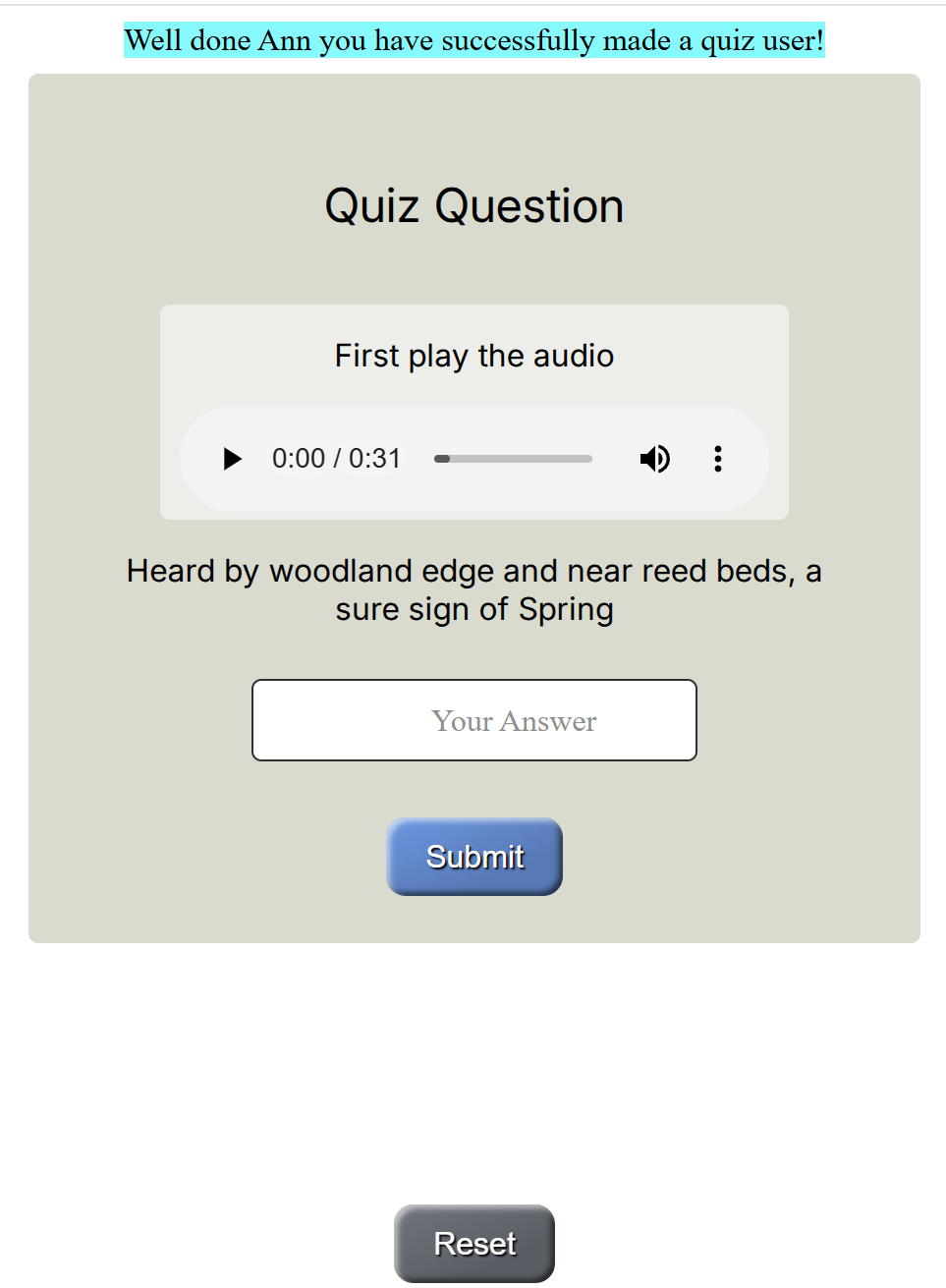
quiz.html has a container over the heading and form, place it just below the link to form.css:
 ...
 <body>
<link href="{{url_for('static', filename='css/form.css')}}" rel="stylesheet" />
 <div class="container" >
    <h2>Quiz Question</h2>
 ...
Place a card just before the audio method:
....
<div class="card">
   <p>First play the audio</p>
...
Finish off the card div at the audio block:
   </audio>
</div>
   <div class="bird-form">
...
Finish off the container div just after the div for bird-form finishes:
...
   </div>
</div>
...
Finally position the grey button at the page bottom:
<div class="bottom">
   <a href="{{ url_for('index') }}">
    <button class="button grey">Reset</button>
   </a>
</div>
Onto result.html. Make a container to cover the heading and result, place the div just after the <body> tag:
...
<body>
<div class="container" >
<h2>Quiz Result</h2>
....
Add a card immediately after the heading:
...
<h2>Quiz Result</h2>
<div class="card" >
   {% if correct %}
...
Finish off the card div just after {% endif %} and remove <hr>:
...
   {% endif %}
</div>
...
Put the finishing off tag for container at the end of the blue button link:
...
   <button class="button blue">Next Question</button>
  </a>
  </div>
Ensure that the grey button is placed at the page bottom:
<div class="bottom">
<a href="{{ url_for('index') }}">
    <button class="button grey">Reset</button>
</a>
</div>
Finally onto final.html, put container just after <body>:
...
<body>
   <div class="container">
   <h2>End of Quiz</h2>
...
Place the score inside a card:
<div class="card">
      <p><strong>User {{user_score[0]}} had a total of {{user_score[2]}} from {{user_score[1]}}<br>
      The best was {{best_score[0]}} had {{best_score[2]}}<br>
</div>
Finish off container just before </body>:
   </div>
</div>
</body>
{% endblock %}
|
|
|
|
|
home |
start |
dupl |
user |
quiz |
|
|
|
|
|
right |
wrong |
best |
tie |
poor |
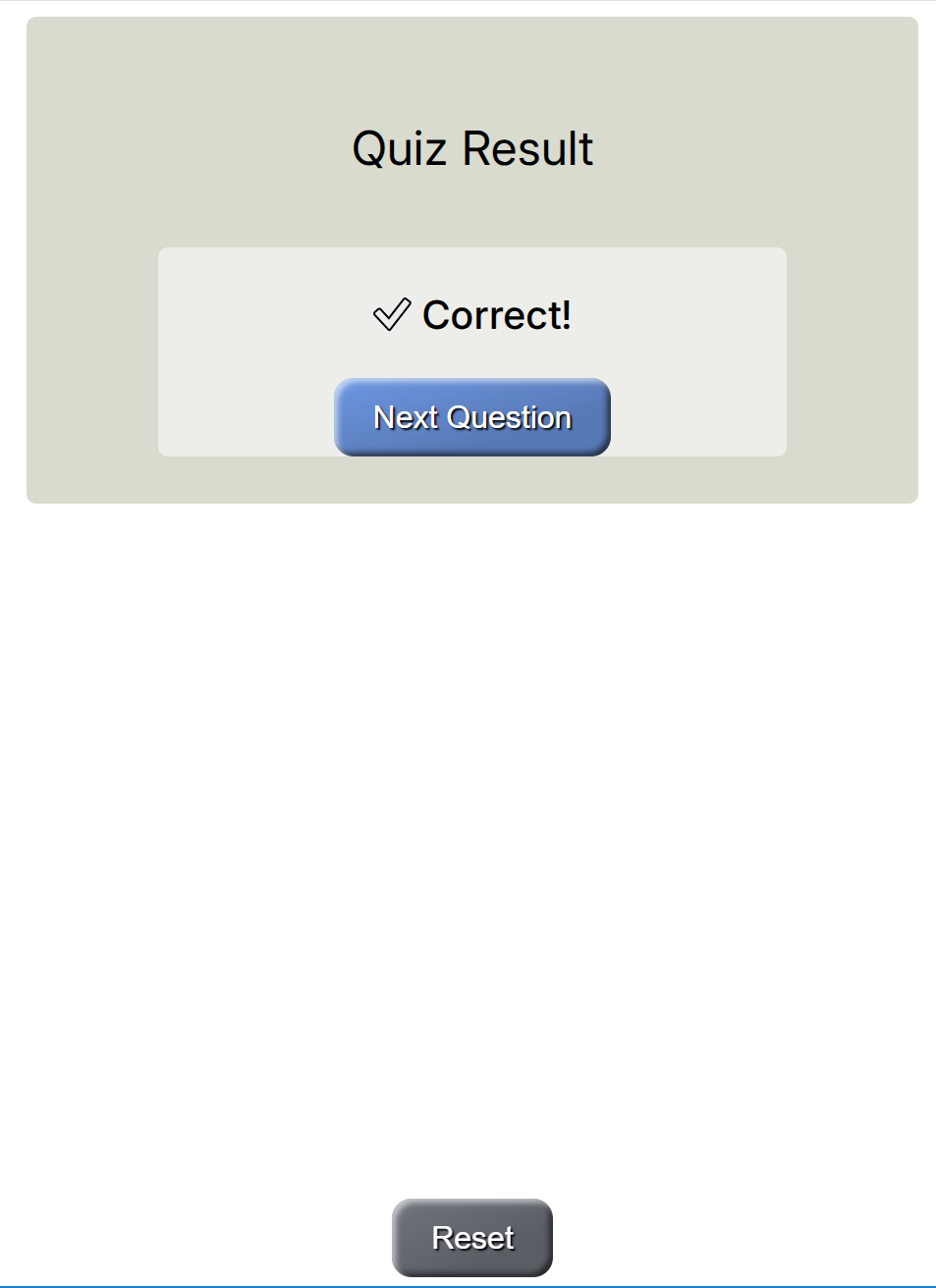
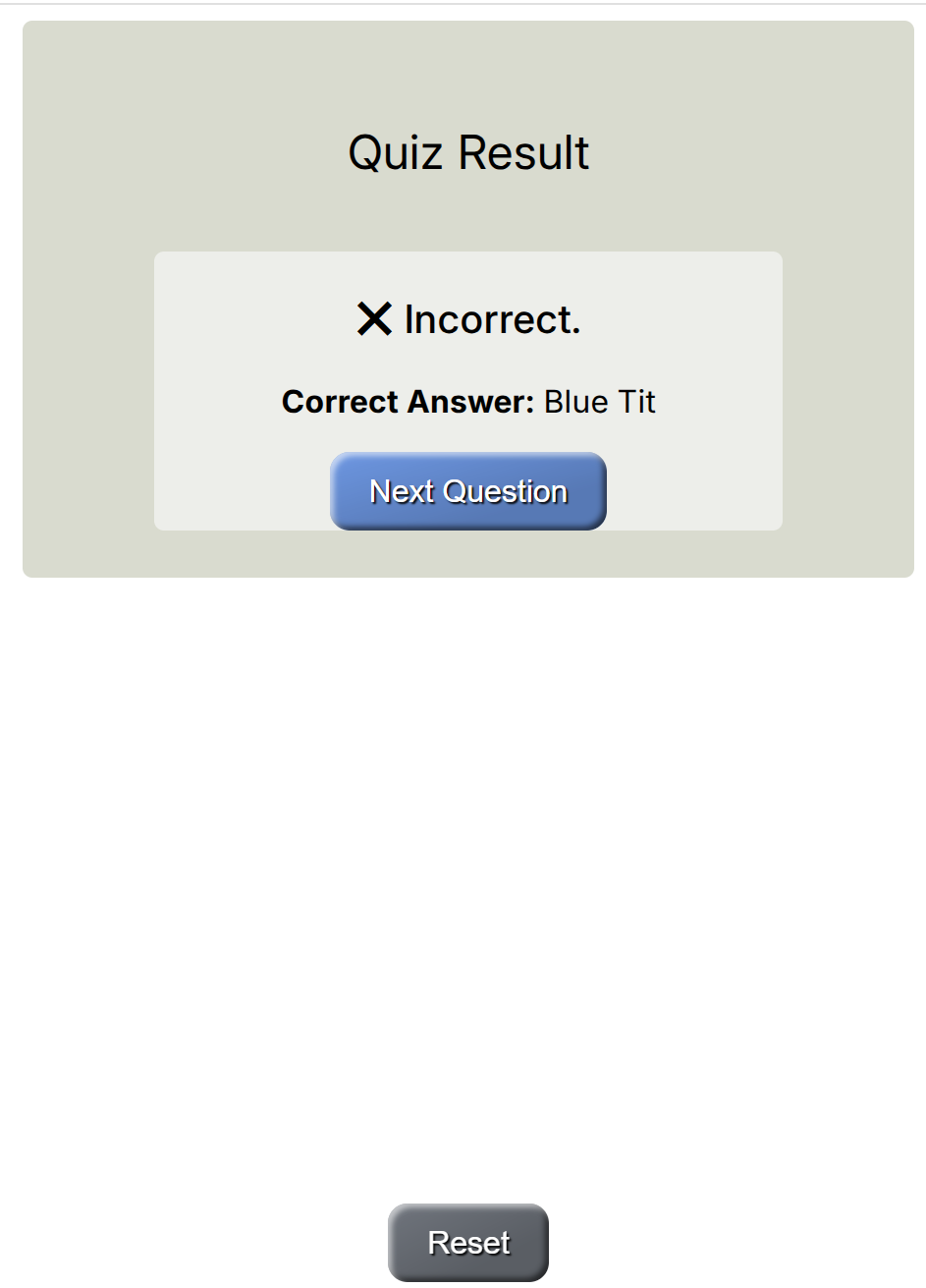
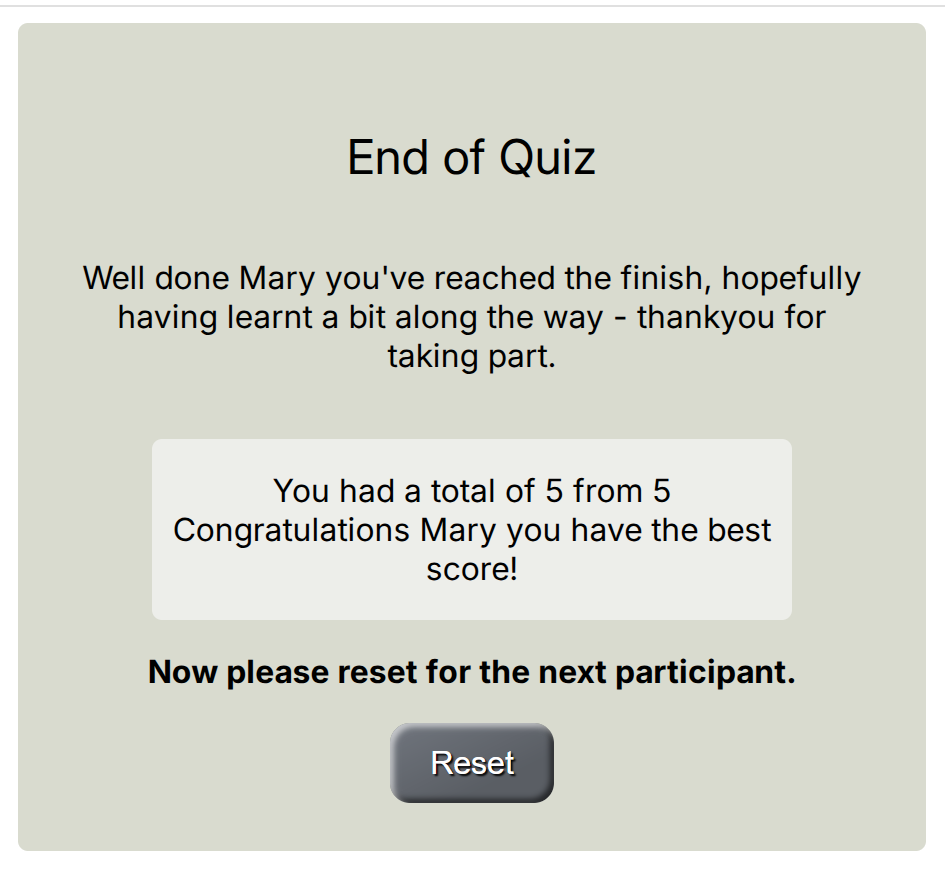
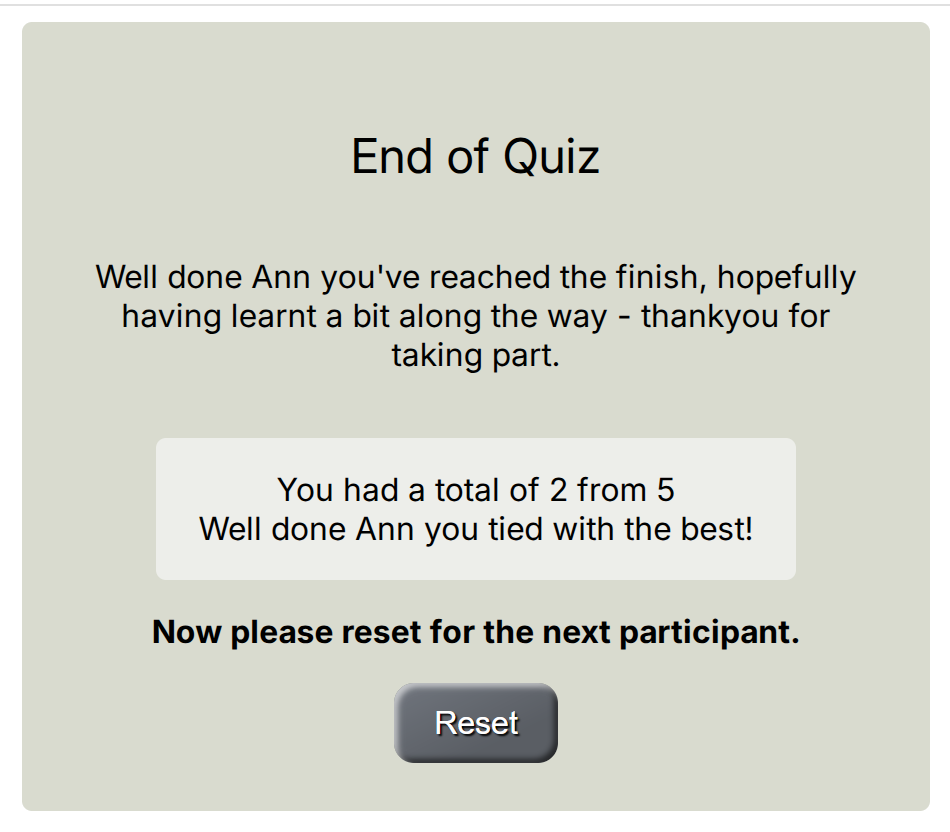
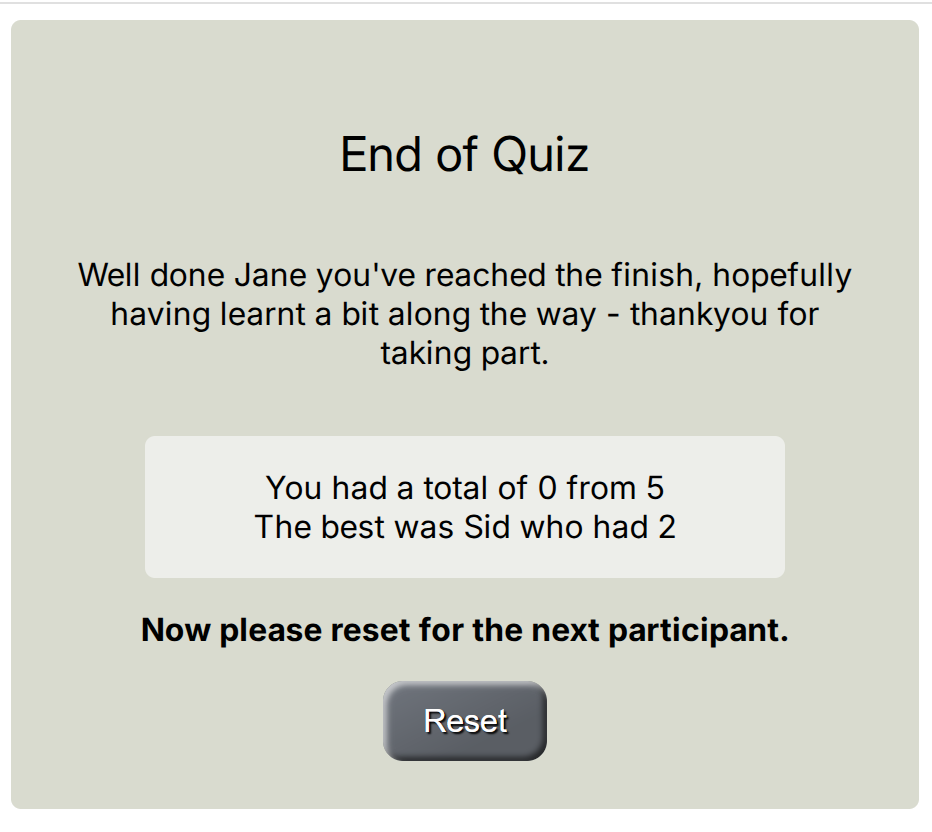
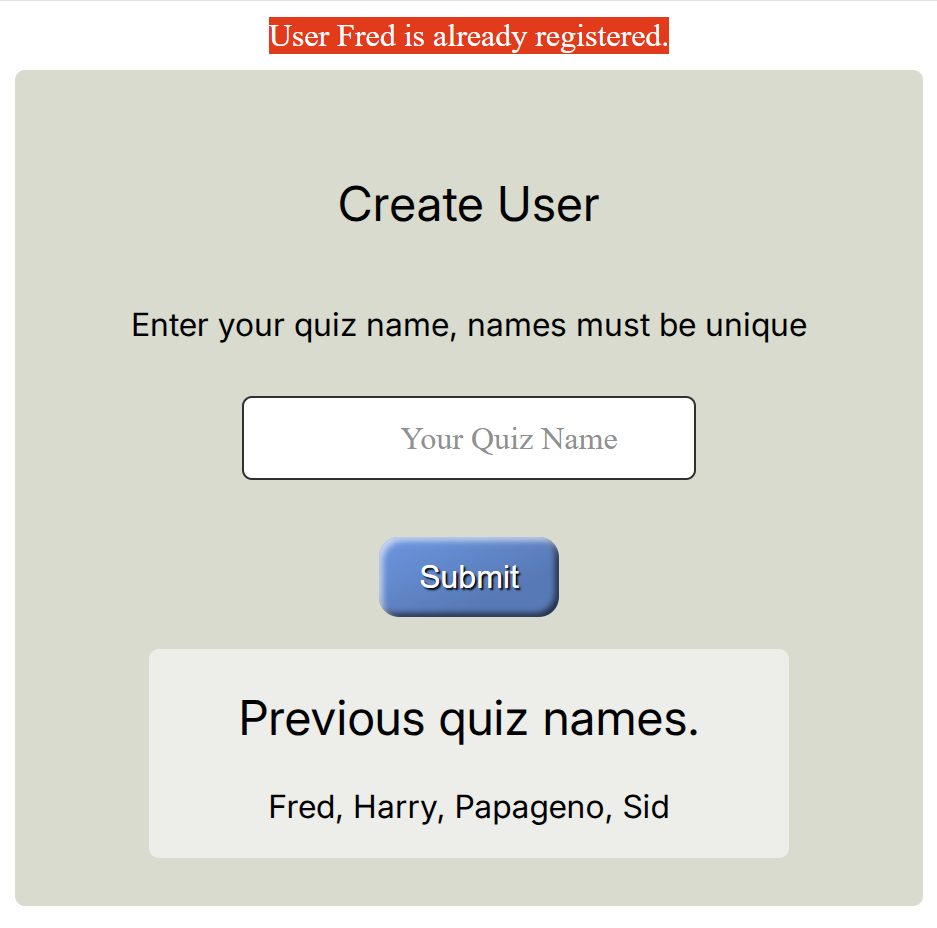
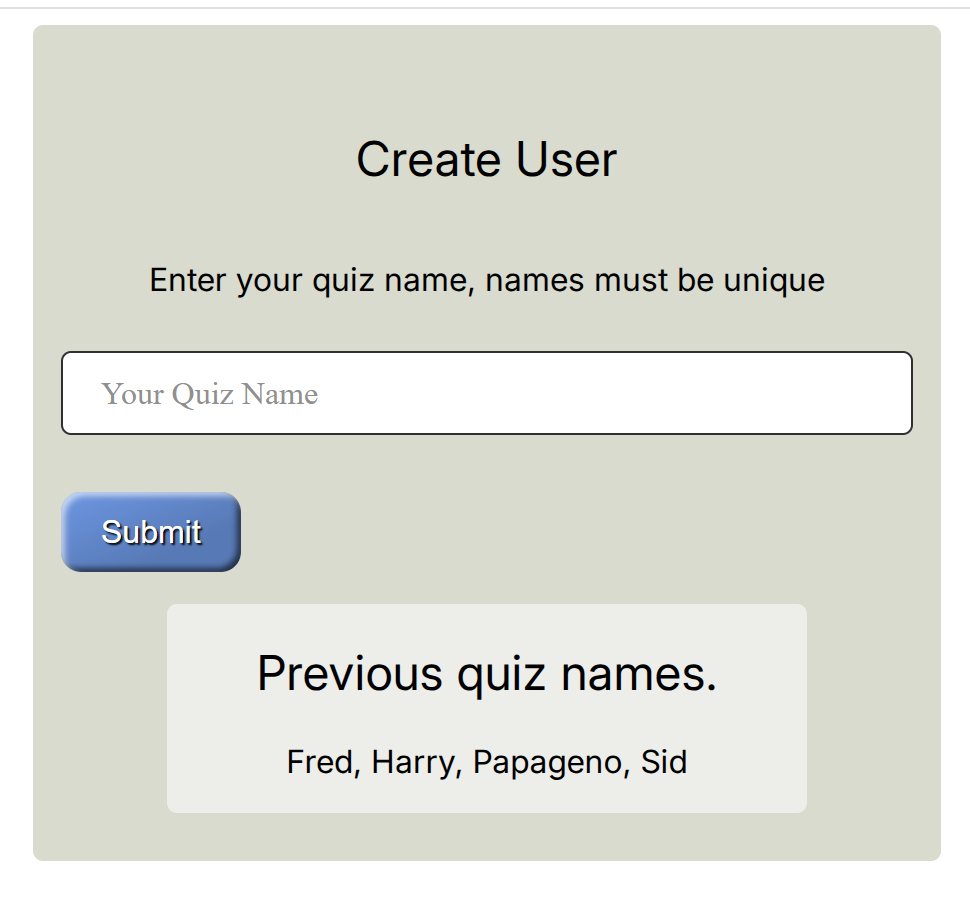
Run through the application and see that the styling changes have taken effect. See how the submit button can be positioned either in the centre or the left hand side, change to the position that looks the best to you. The end effect is rather smart. If we had used a third party styling system like Bootstrap there would still need to be most of the styling tags throughout the templates, without the satisfaction of styling it ourselves.