
Background#
Looking at the application we can say it looks neat, but in the world of the internet it will still not gain any prizes. It requires colour and has to keep the attention of the user.
|
|
|
|
|
|
|
index |
account |
duplicate |
quiz |
right |
wrong |
final |

Warning
Sphinx Carousel had to be Removed
Earlier versions of Sphinx could run the carousel, but later versions caused a failure. The solution has yet to be found - 12/08/2025
Try adding pictures as a background to our application, these can be programmed in a similar way as the songs were, so the database only stores the address variable - not the picture. A general view of landscapes rather a bird picture often works better since bird images are normally centred on the bird, just where our application is.
Converting Images#
Use a modern format for our images, such as webp, which in general are much smaller than either png or jpg images, hence will load faster. Most modern browsers support this format. Until recently this would have been the obvious choice, now I've discovered avif, whose images are even smaller. On top of this avif uses 8, 10 and 12 bit colours, webp only uses 8 bit colours. Both formats can be easily made from jpg or png files with ImageMagick:
magick mogrify -format avif *.jpg
or:
magick mogrify -format webp *.jpg
both bulk conversions can be made in Windows using cmd. The conversion to webp is faster than avif.
A Comparison of File Sizes in Pixels.#
File Name |
jpg |
webp |
avif |
|---|---|---|---|
dartfordwarbler |
253,880 |
144,558 |
38,226 |
Fowlmere |
1,881,136 |
1,085,216 |
305,139 |
grouse |
63,835 |
37,636 |
19,631 |
Hawfinch |
357,373 |
288,048 |
67,490 |
heather |
180,304 |
160,110 |
110,399 |
jay |
521,875 |
677,760 |
122,441 |
oakfern |
235,480 |
||
oaktrees |
150,861 |
124,548 |
85,765 |
Place-Arne-View |
805,550 |
467,122 |
|
riverembankment |
147,910 |
120,408 |
82,938 |
windmill |
61,281 |
40,842 |
20,379 |
The file oakfern was supplied as an avif, Place-Arne-View as a webp. The jay file had a glitch with webp, in that it was larger than the original jpg.
Thanks to the RSPB we should have enough files for the application.
If
additional editing is required Gimp 2.10.22 or more recent should work with
avif. Gimp can export files in avif format, if changing extension use
Select File Type (by extension) then select HEIF/AVIF.
By now your files should be as follows:
Flask
   ├──static
   │   ├──css
   │   │  └──all.css
   │   │
   │   ├──songs
   │   │   ├──Common Cuckoo.wav
   │   │   ├──Common Wood Pigeon.wav
   │   │   ├──Eurasian Blue Tit.mp3
   │   │   ├──Eurasian Skylark.mp3
   │   │   └──European Green Woodpecker.mp3
   │   │
   │   └──images
   │        ├──banner.avif
   │        ├──Fowlmere.avif
   │        ├──heather.avif
   │        ├──oakfern.avif
   │        ├──oaktrees.avif
   │        ├──Place-Arne-View.avif
   │        ├──robin1.avif
   │        ├──kingfisher1.avif
   │        ├──jay1.avif
   │        └──grouse.avif
   │
   ├──templates
   │  ├──index.html
   │  ├──base.html
   │  ├──quiz.html
   │  ├──result.html
   │  ├──final.html
   │  └──account.html
   │
   ├──bird.py
   ├──venv
   ├──config.py
   └──quizbird.csv
Loading Images#
The images can to be called through our database, either work directly on the csv or on a spreadsheet. Insert a column called background onto our spreadsheet between the song and answer columns. We can use the files as below.
background |
answer |
|---|---|
images/Fowlmere.avif |
Cuckoo |
images/heather.avif |
"Wood Pigeon" |
images/oakfern.avif |
"Blue Tit" |
images/oaktrees.avif |
Skylark |
images/Place-Arne-View.avif |
"Green Woodpecker" |
We need to renew the database, the easiest is to drop the table birdquiz then load the csv file into the database and recreating the birdquiz table:
sqlite3 mydb.db

sqlite> DROP TABLE birdquiz;
sqlite> .mode csv
sqlite> .separator ";"
sqlite> .import quizbird.csv birdquiz
sqlite> SELECT * FROM birdquiz;
Selecting the Images#
Within quiz route in bird.py we are already selecting id, question, song from our table, we just need to extend the selection to include background:
....
conn = db_connection()
cursor = conn.cursor()
cursor.execute("SELECT id, question, song, background FROM birdquiz WHERE id = ?", (session["count"],))
select = cursor.fetchone()
conn.close()
soundfile = select[2]
backfile = select[3]
background= url_for('static', filename=backfile)
sound = url_for('static', filename=soundfile)
return render_template('quiz.html', select=select, sound=sound,
         background=background, title='Question')
As the changing background image and its styling only applies to quiz.html we cannot easily put it in either all.css or form.css. Now we will need to amend quiz.html to include the background, between {% block content %} and our link to the static file form.css add style and body tags:
....
<style>
body {
   background-image: url(url({{background}});
   height: 100vh;
   background-size: cover;
   background-position: center;
   display: flex;
   flex-direction: column;
}
</style>
<body>
<link href="{{url_for('static', filename='css/form.css')}}" rel="stylesheet" />
....
Remember to finish off the body tag just before {% endblock %}. Test that all works as expected.
Images for other Templates#
Use static images for the other templates, we just need to amend the style used above and point to the relevant image. So for index.html we can add the following:
<style>
body {
   background-image: url("{{url_for('static', filename="images/dartfordwarbler.avif")}}");
   height: 100vh;
   background-size: cover;
   background-position: center;
   display: flex;
   flex-direction: column;
}
</style>
<body>
For account.html we can use Hawfinch.avif, result.html can use jay1.avif and final.html can use grouse.avif. As we can see the bird images worked best when the bird was on either the left or right side, then they work particularily well. The landscape pictures were not affected too much by the central block of the application.
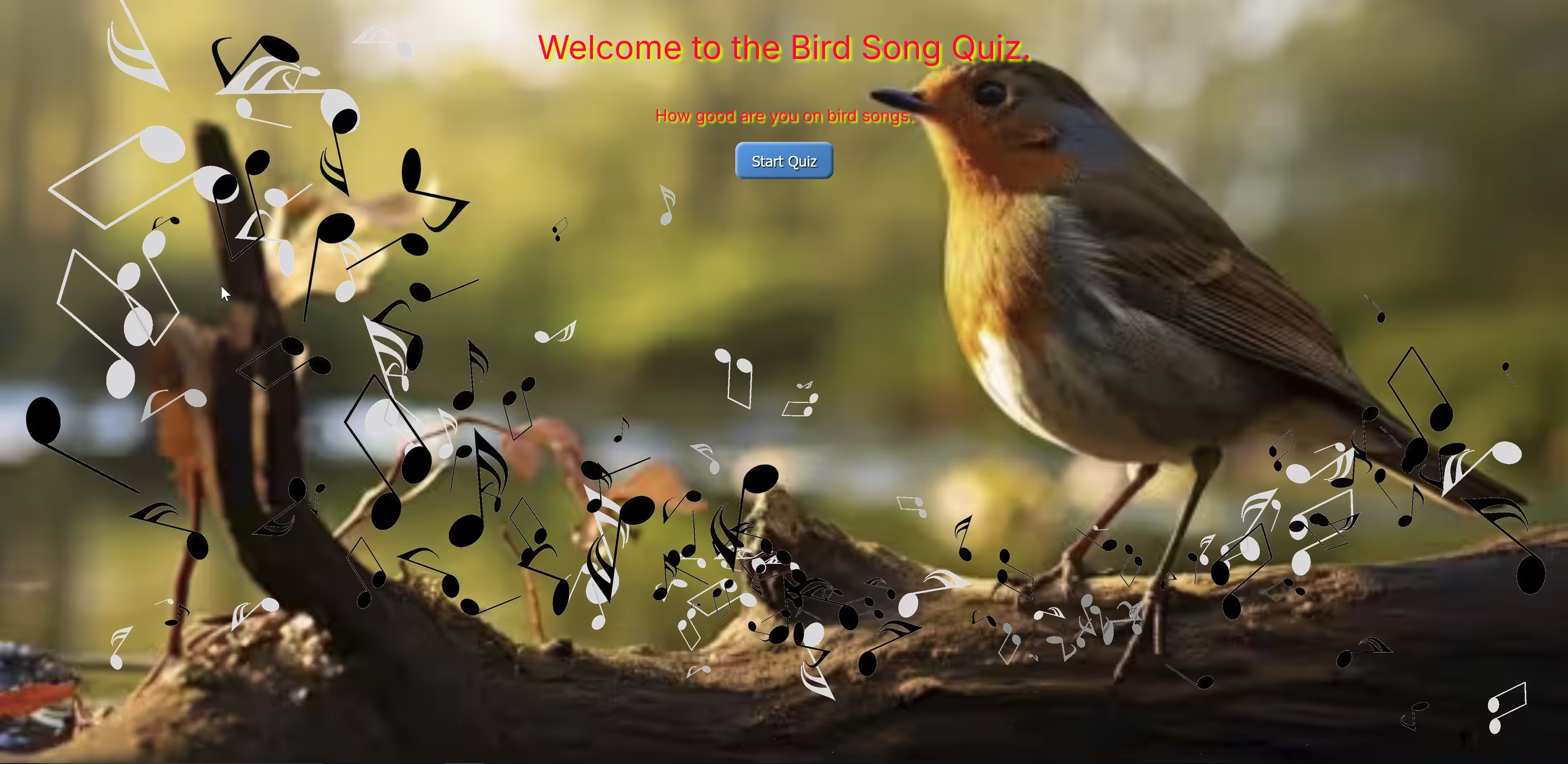
At present the images do not have a theme to connect them, what we can do is supply an additional image to use as background throughout. When two or more images are used as background they are combined in descending order from left to right. This relies on either different sizes or transparency. Our image banner.avif is largely transparent.
quiz.html will use a changed style:
background-image: url("{{url_for('static', filename="images/banner.avif")}}"),
                  url({{background}});
and for index.html it will change to:
background-image: url("{{url_for('static', filename="images/banner.avif")}}"),
                  url("{{url_for('static', filename="images/dartfordwarbler.avif")}}");
our other files will change in a similar manner.
Amendments#
Although the dartfordwarbler.avif image was good, its beak was hidden in index.html, we require a better image for the application start side. Also in account.html our Hawfinch.avif was completely hidden, try kingfisher1.avif.
To give ourselves a bit more room in account.html, move the container left. Add a left div tab to all.css:
.left {
   margin-left:-20%;/* whatever */
}
then in account.html add the left div tab just in front of the container tab and add a closing </div> at the end just before </body>:
....
<div class="left">
<div class="container">
....
robin1.avif still needed more headroom, use robin2.html in index.html.
Move the welcoming text and button right to give robin2.html more beak space. Add a right div tab to all.css:
.right {
   margin-right:-20%;/* whatever */
}
With Images#
|
|
home |
user duplicate |
|
|
quiz 1 |
quiz 2 |
|
|
quiz 3 |
quiz 4 |
|
|
quiz 5 |
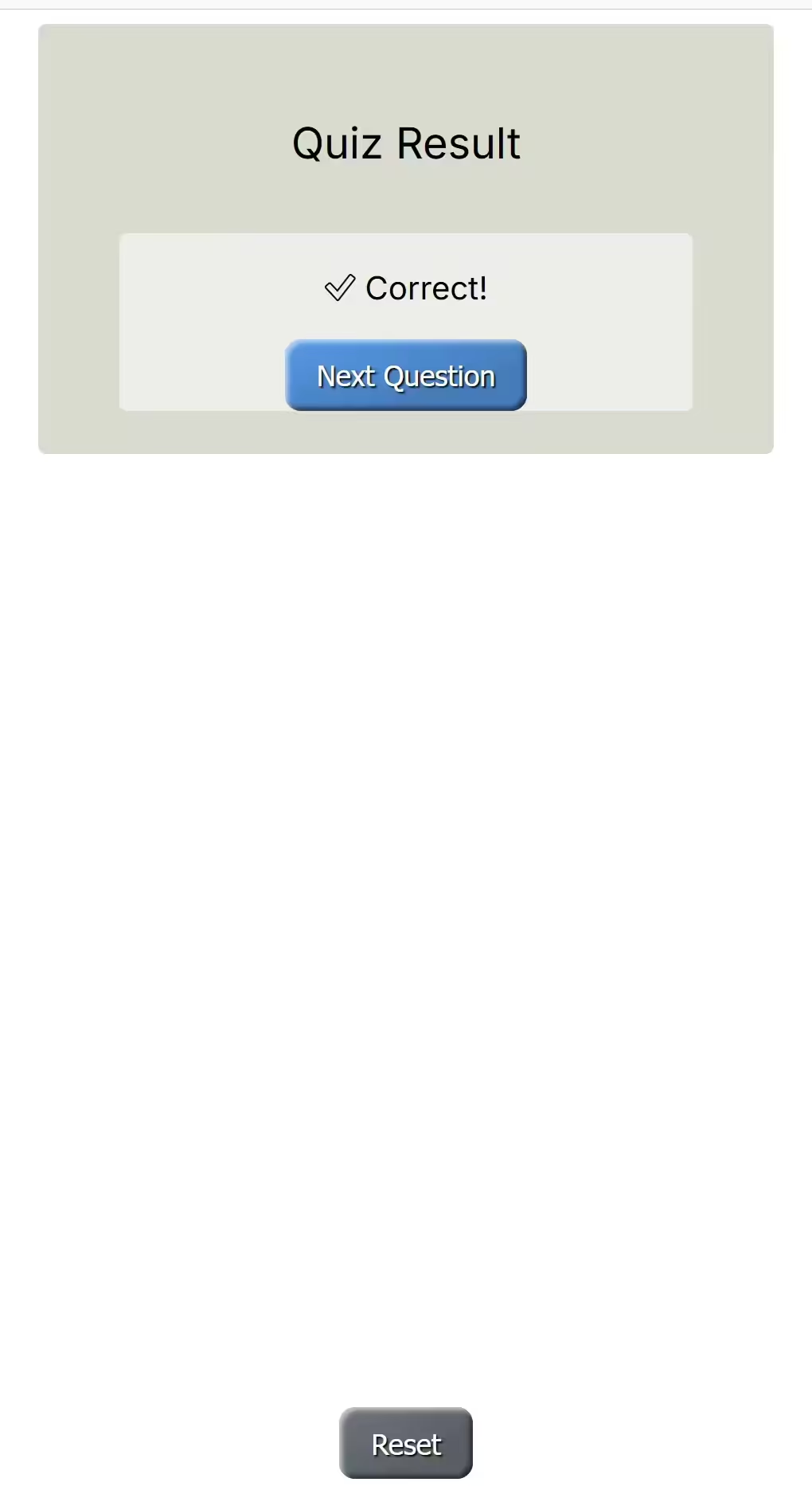
correct |
|
|
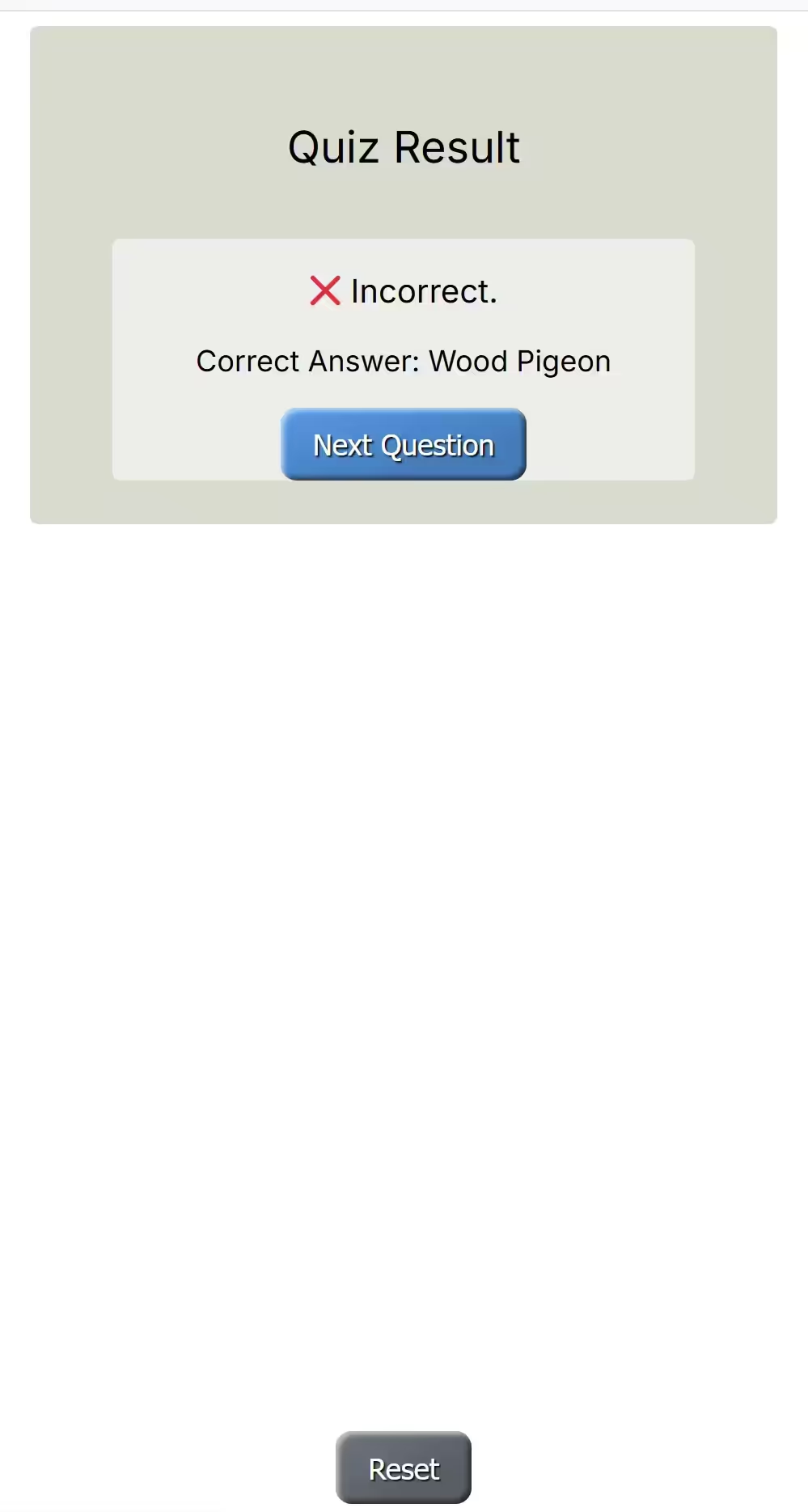
wrong |
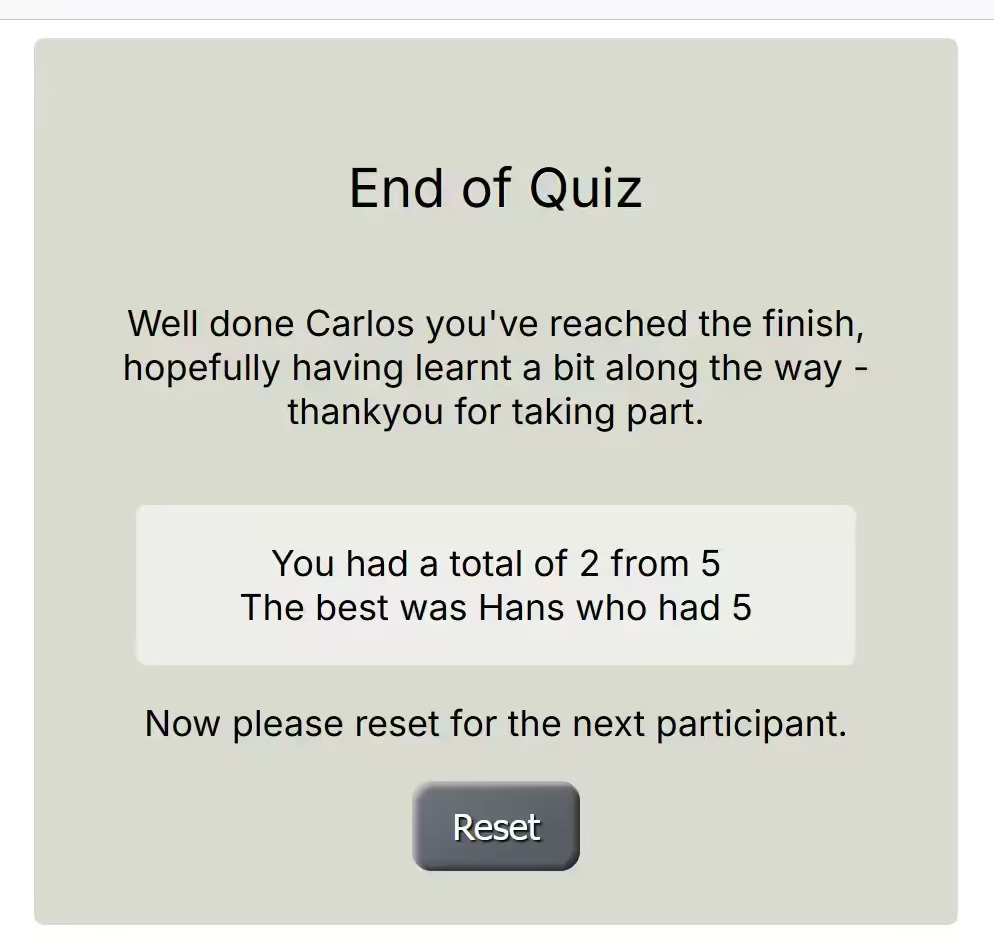
final |
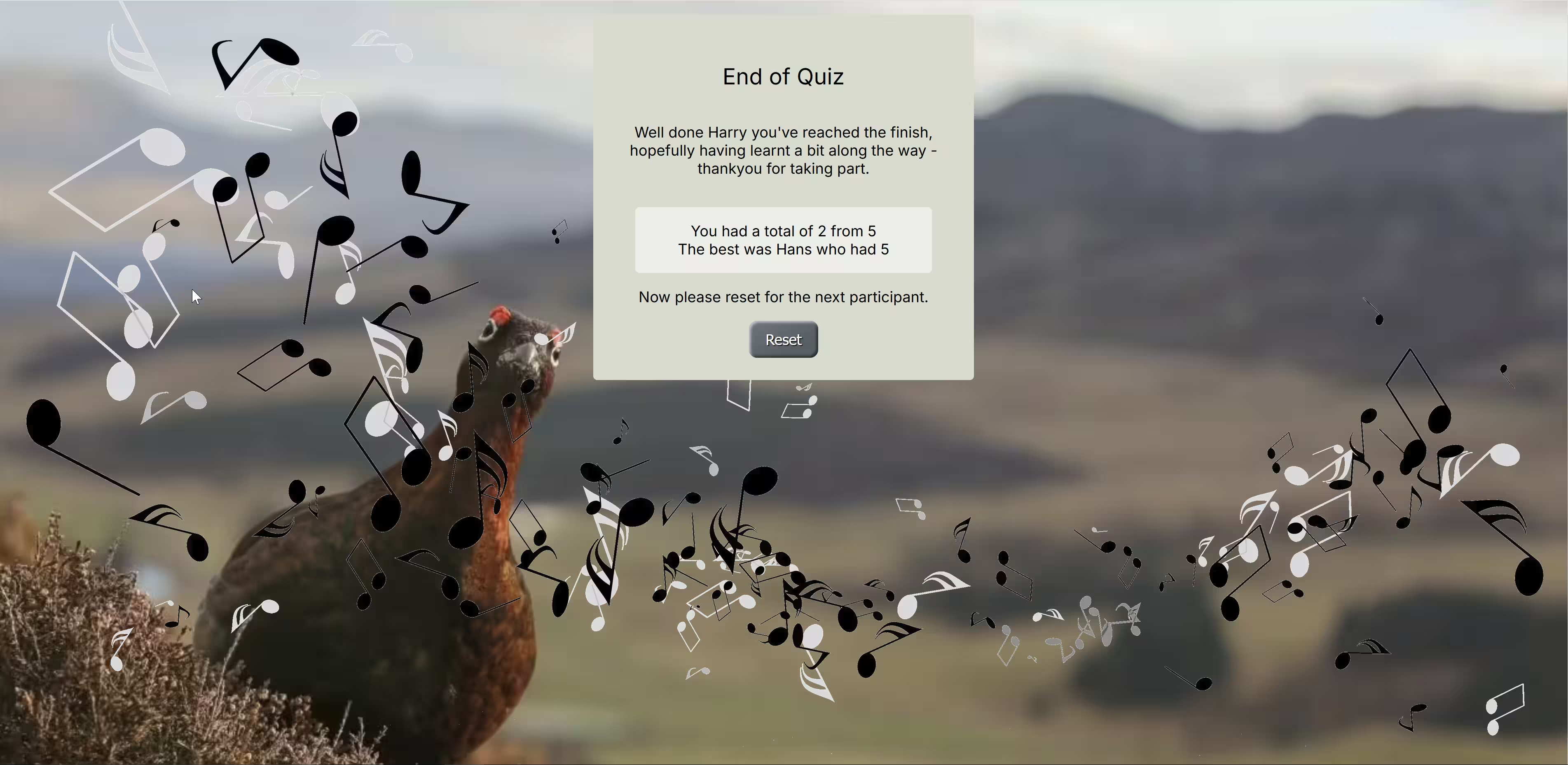
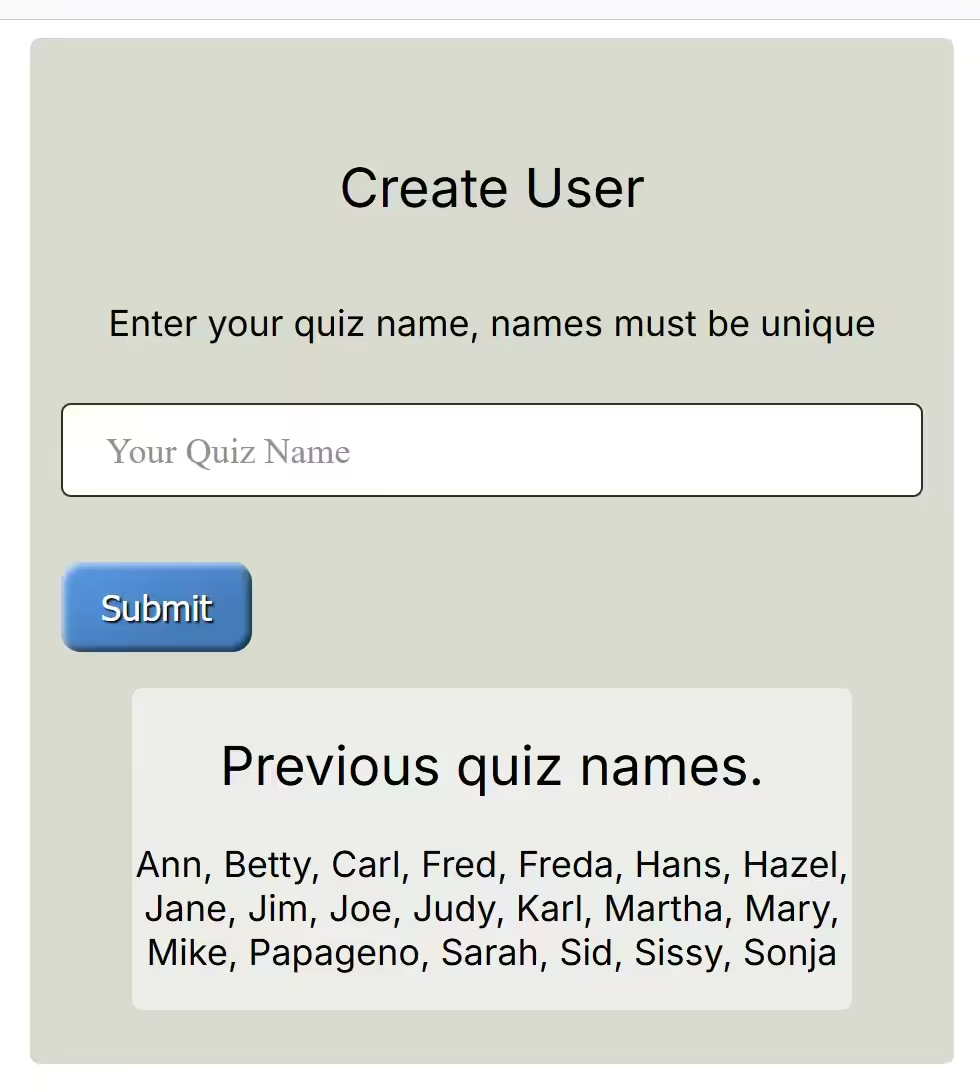
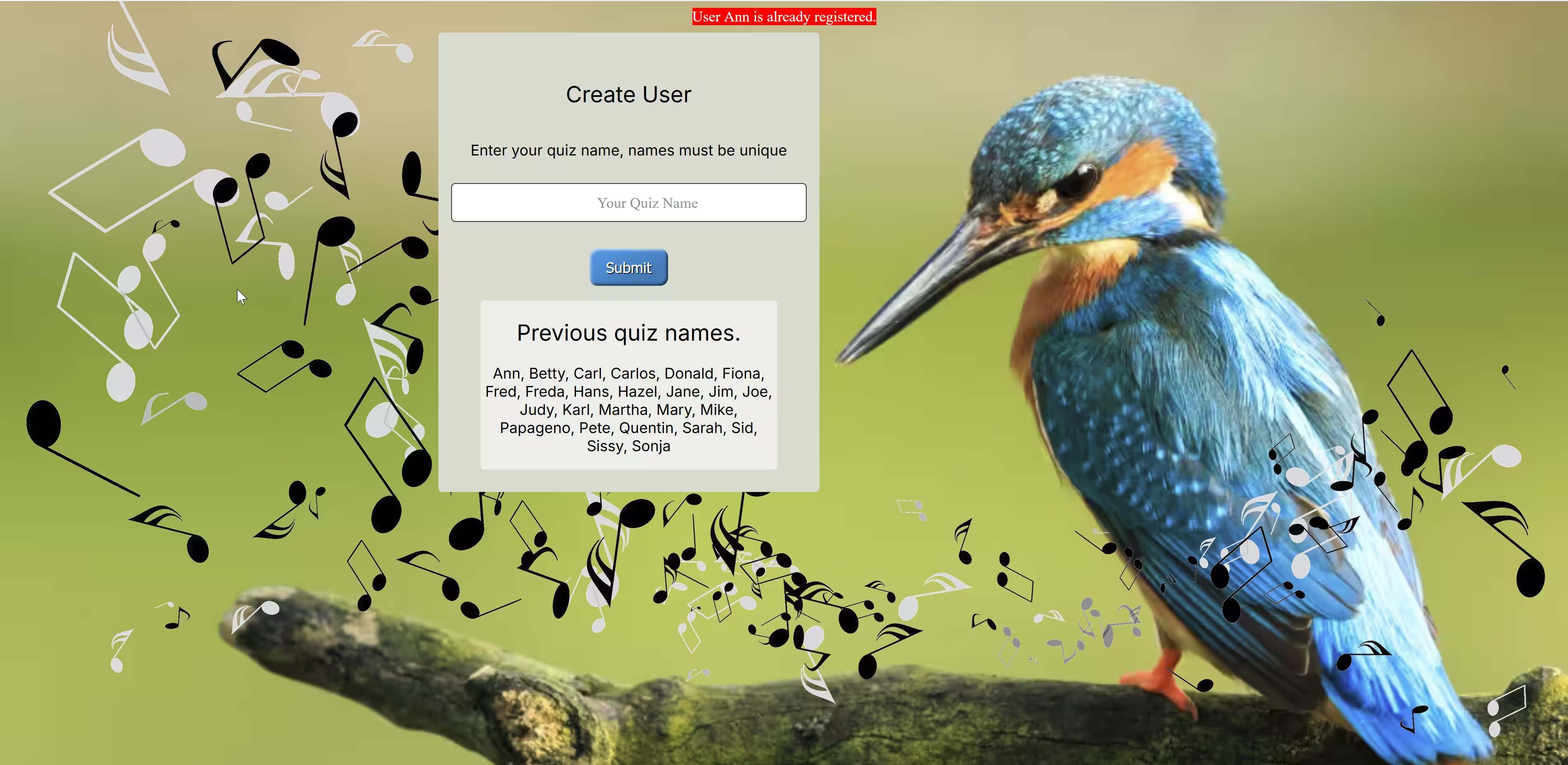
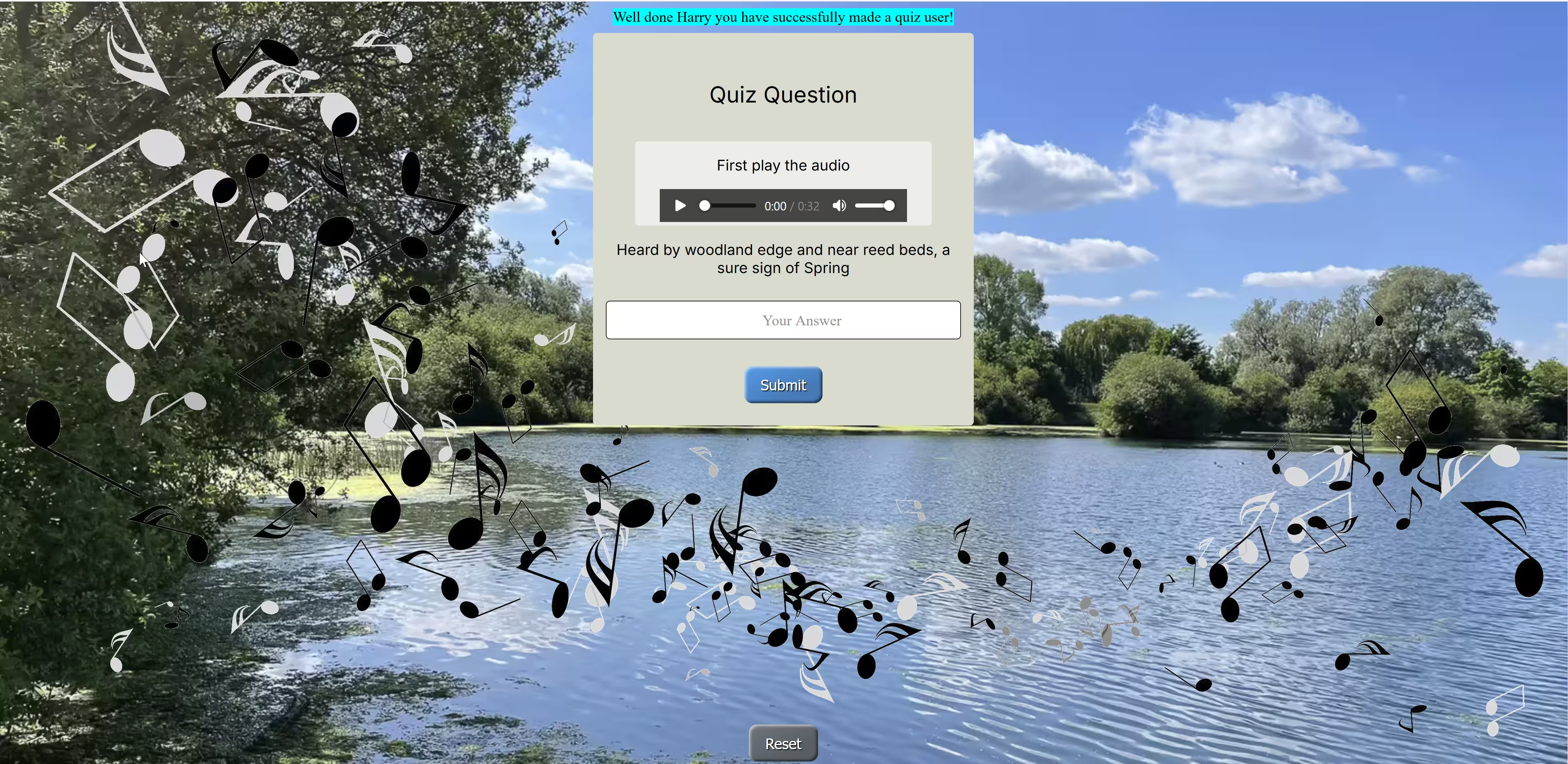
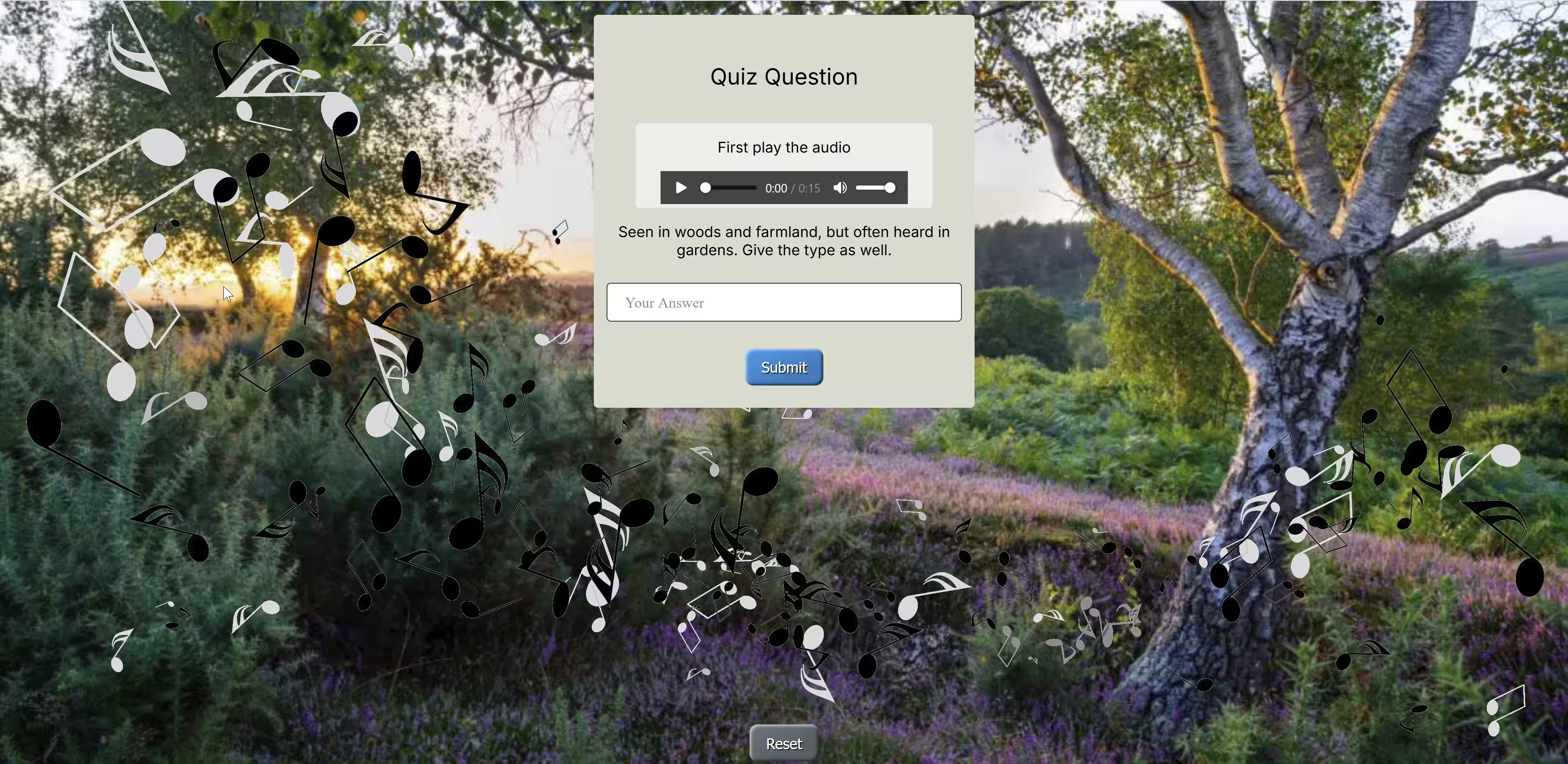
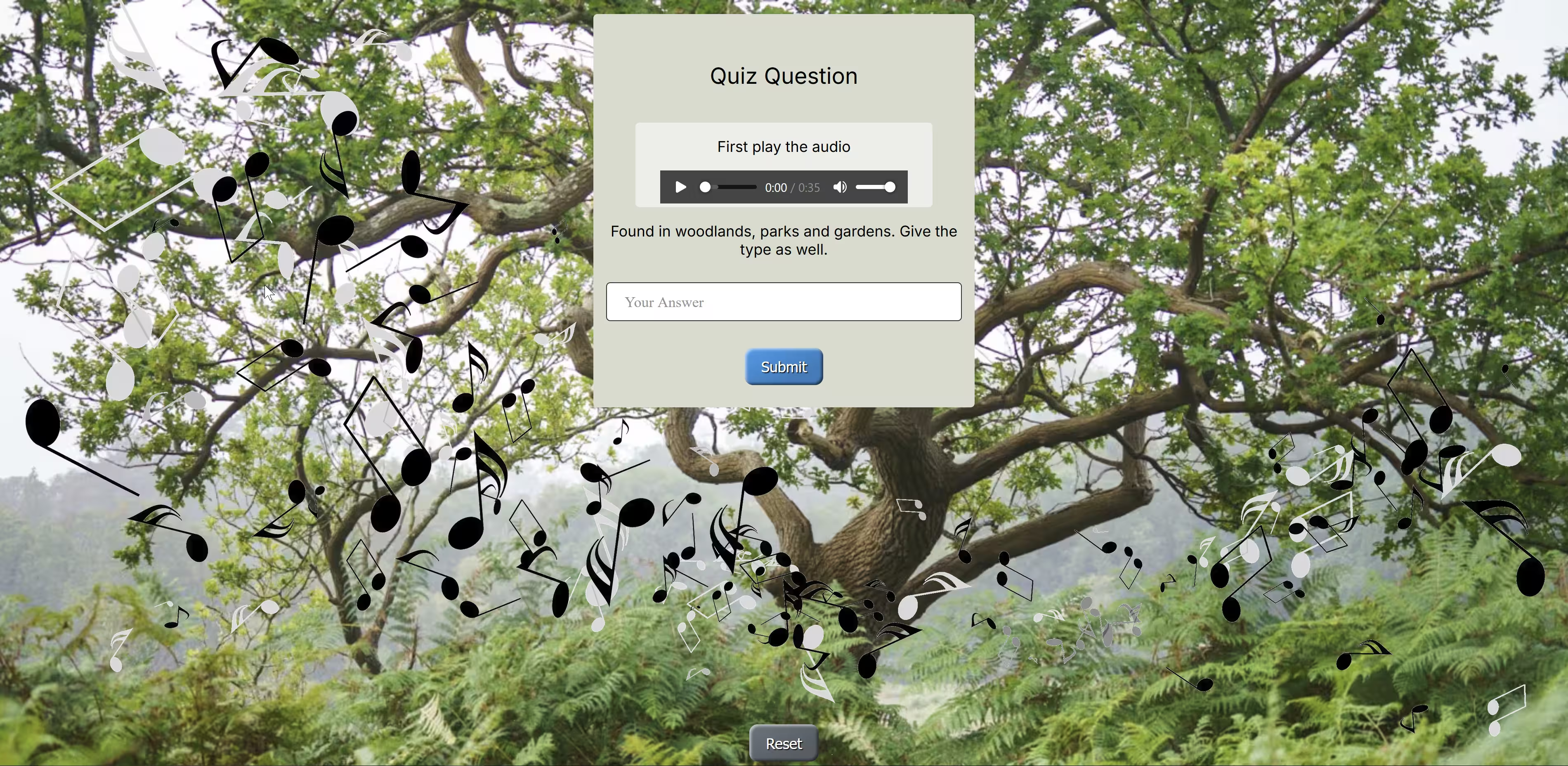
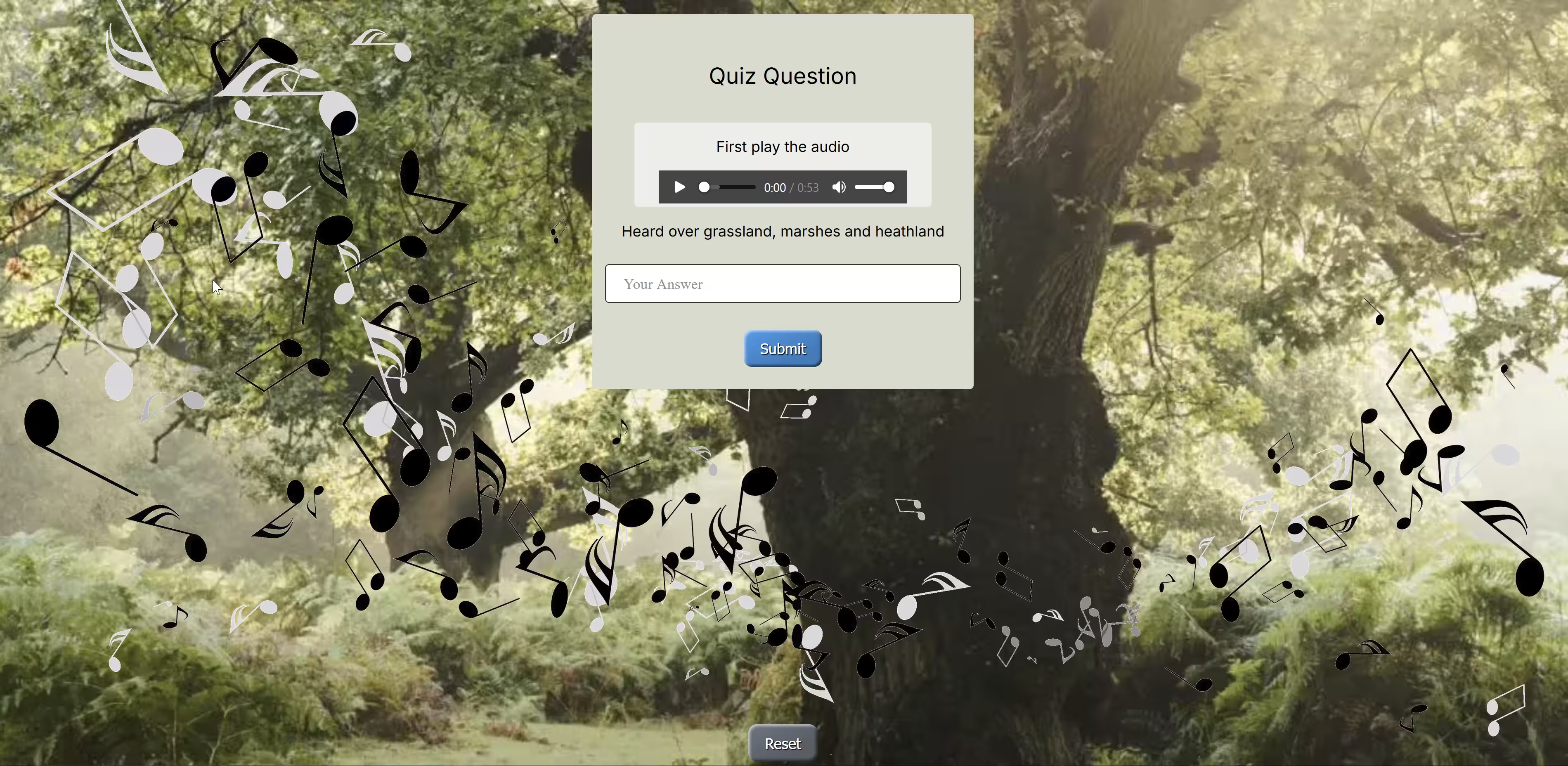
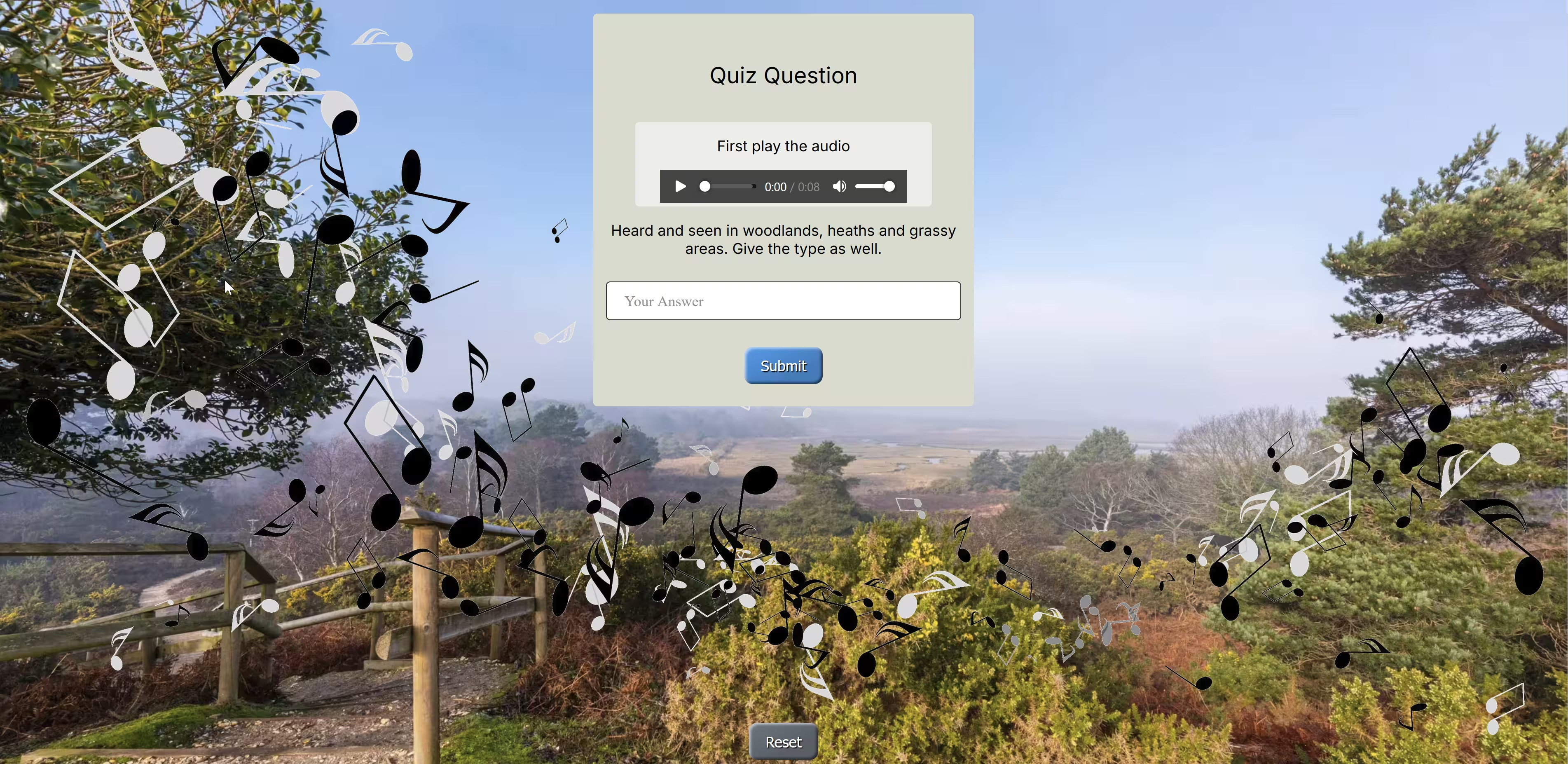
- home
The home or starting page
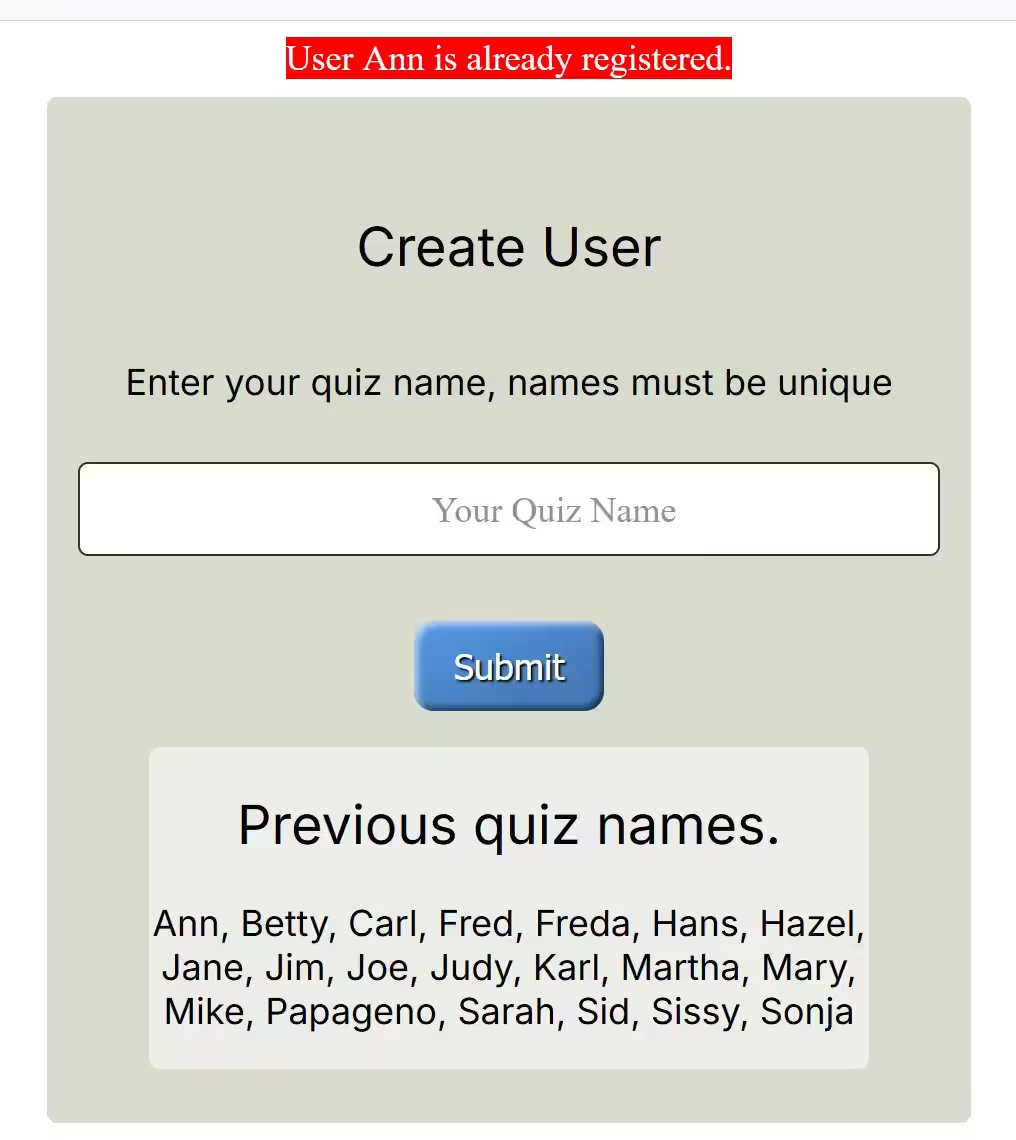
- user duplicate
The reaction when a user tries to insert a duplicate user name
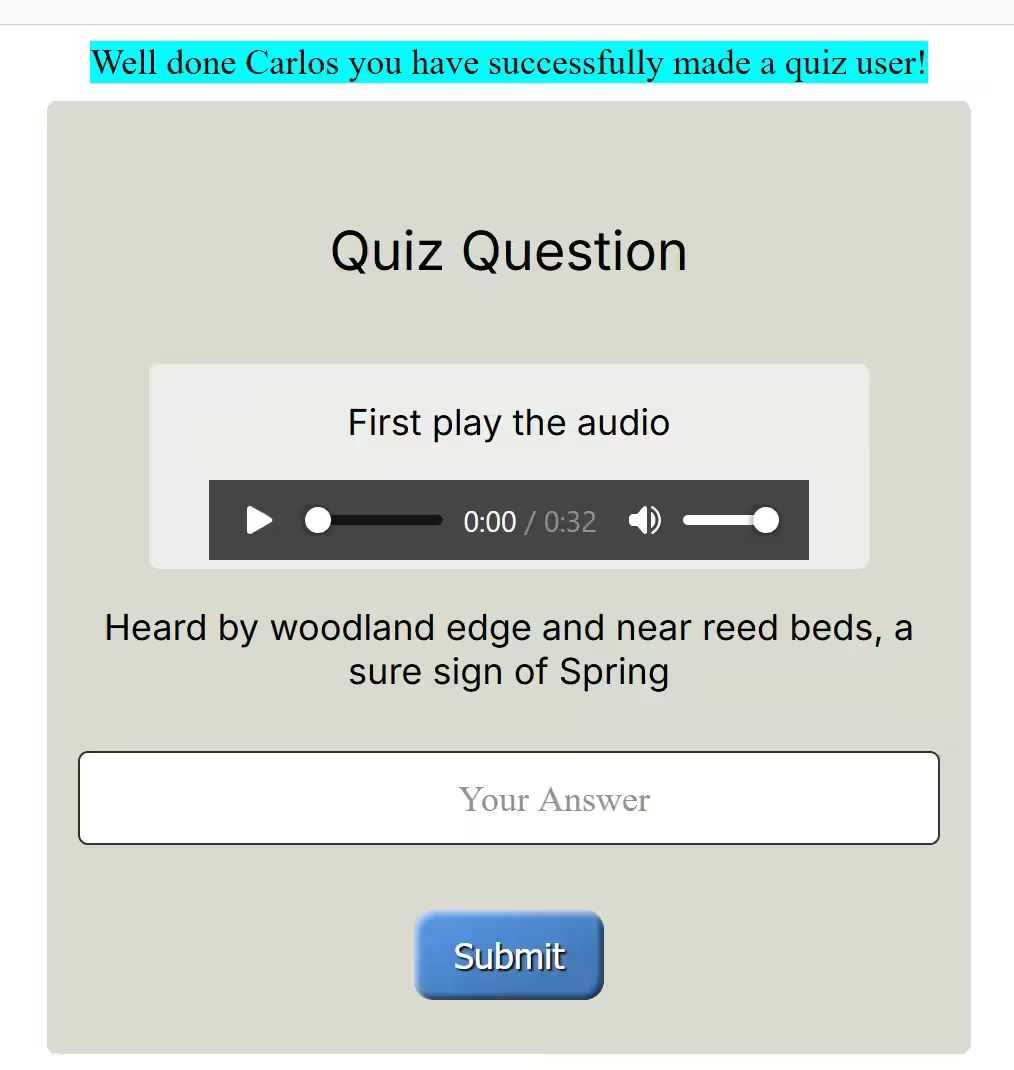
- quiz 1...5
Ask a question after playing a bird song, sequential images change with question
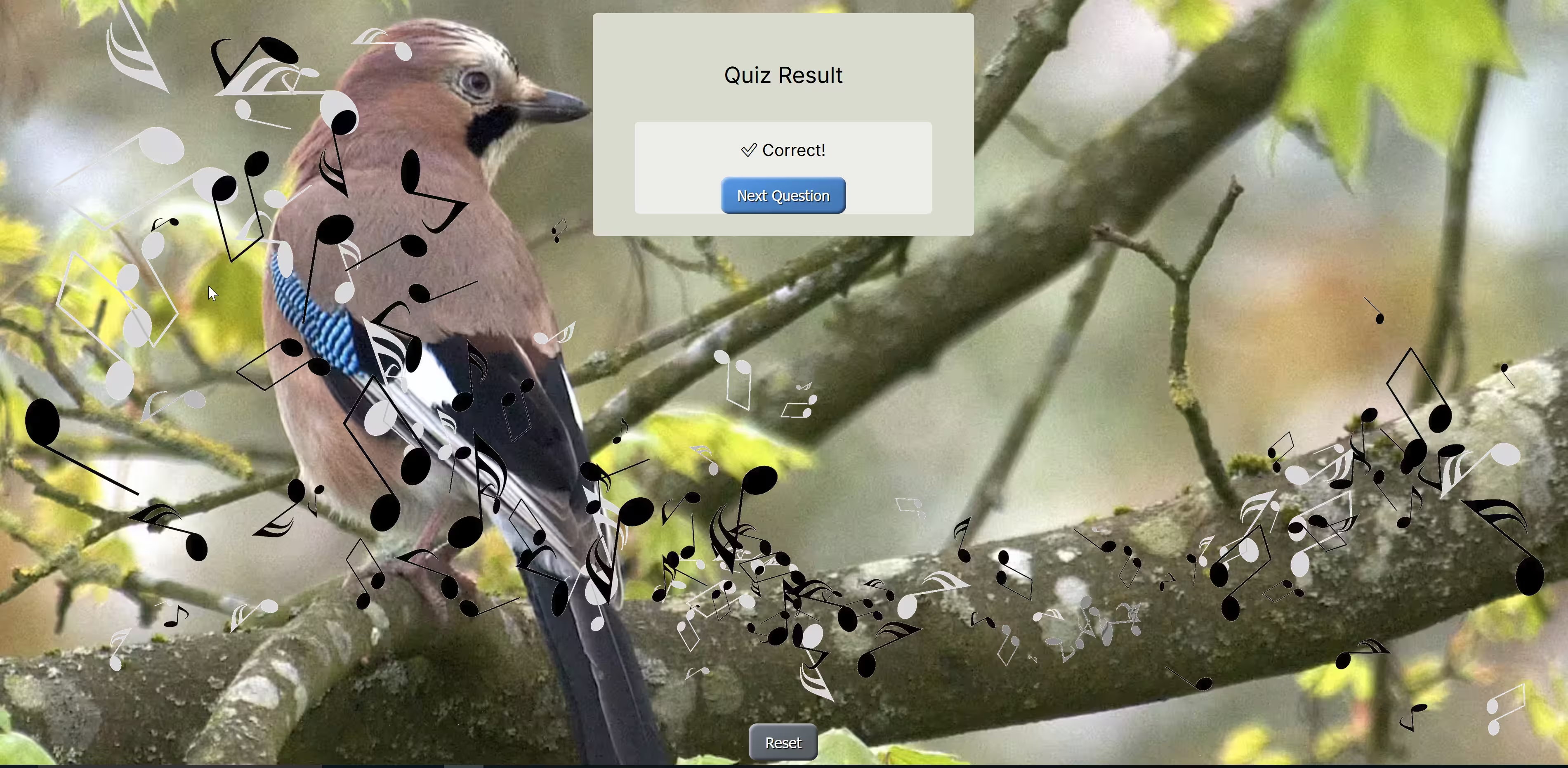
- correct
The result page showing the reaction to a correct answer
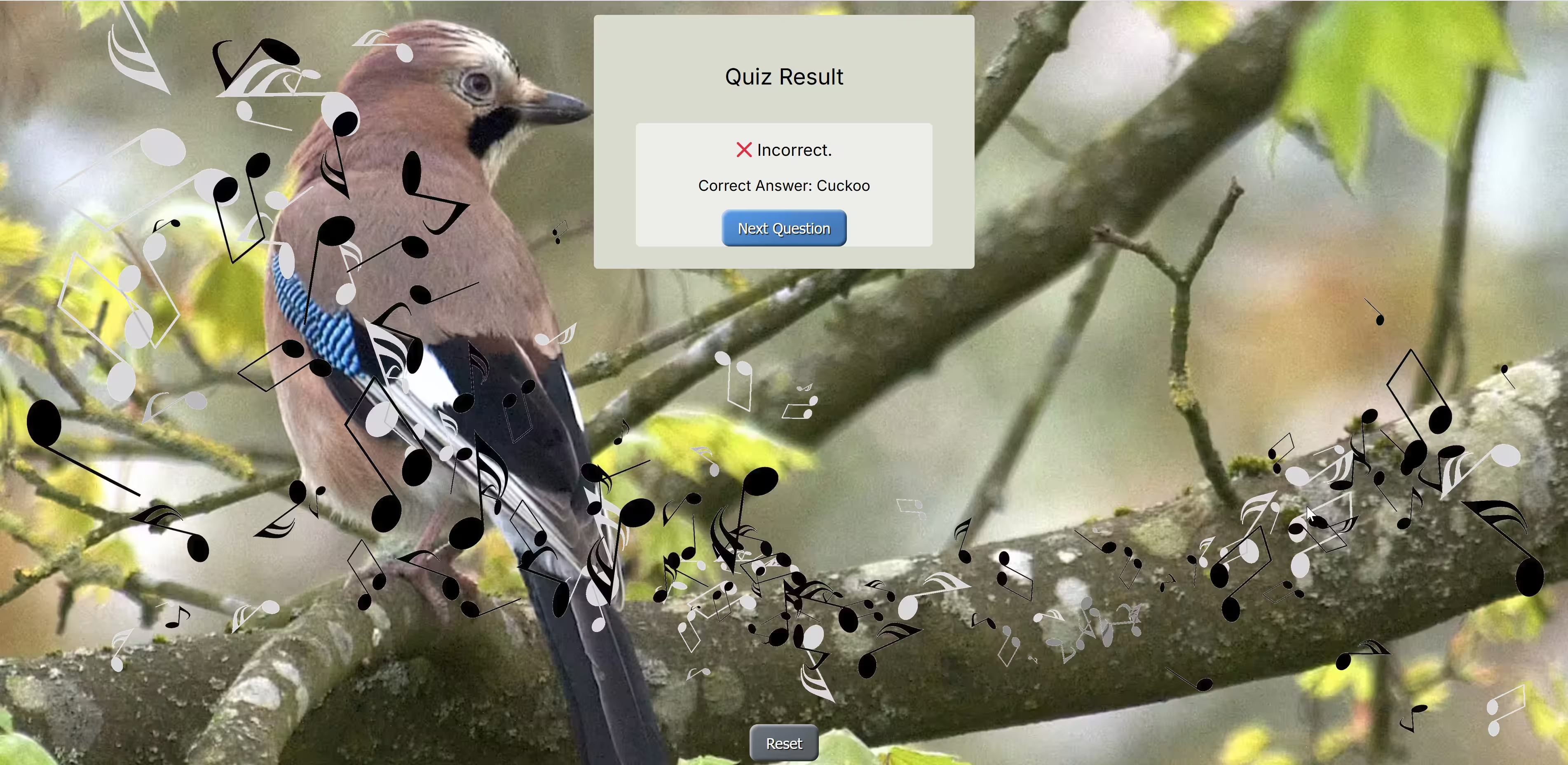
- wrong
The result page showing the reaction to an incorrect answer
- final
The last page giving the user their final score, and how well they did
Using a Scrolling method#
As an alternative to the carousel method this scrolling method uses html and css only, no javascript. To see the full animation use the Chrome browser, other browsers only show a partial animation. Hopefully other browsers will catch up, but so far no dice,
The method is less memory intensive and should be smoother than an equivalent javascript method. All you have to do is scroll down the page using the mouse wheel.
Note
Using Raw HTML
Running the application in raw html affected the sphinx website so it was safer to use the small video below.
Also note that a colour gradient has been added to highlight the video controls, there is no colour gradient in our application.
The jerkiness of the images is me scrolling - not the application.